

Groups · Churches
OpenLectern
Put Scripture on a screen and control it from a phone.
Go to OpenLectern openlectern.askdevotions.com
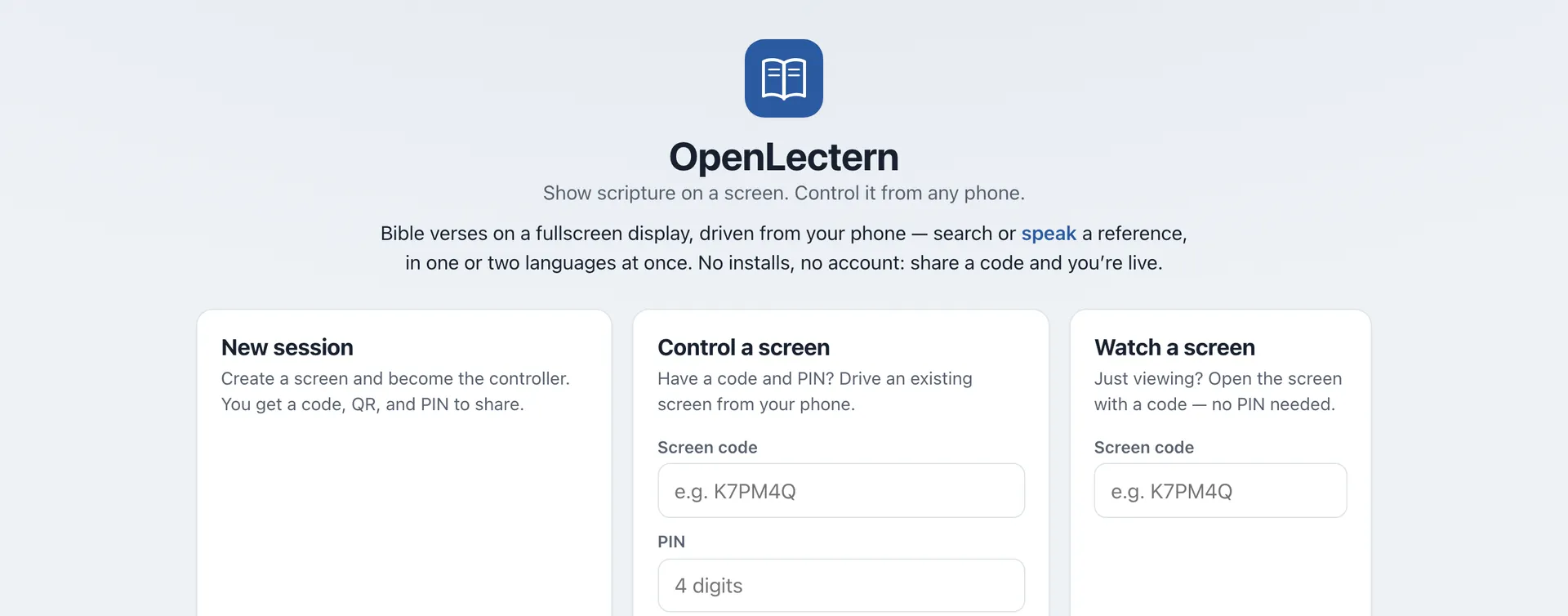
OpenLectern puts a Bible passage on a projector or TV and lets someone in the room control it from a phone. It was made for services and prayer meetings where the reading is in two languages, so the screen can show the same passage in both at once, for example English and Tamil.
What it does
- Type a reference such as John 3:16-18 or Psalm 23 and it goes on the screen
- Show one verse at a time, or the whole passage across several screens
- Show a second translation beside the first, and switch either one during the service
- The Lord’s Prayer, the creeds and other common liturgy are built in, and you can change the wording to match your church
- Responsive reading, with the leader’s and the congregation’s verses marked
- Light, sepia, dark and high-contrast screens, with adjustable type size
Getting started
There is nothing to install and no account to create. On your phone, start a new session. You will get a short code. On the computer connected to the projector, choose “Watch a screen” and enter that code. Whatever you pick on the phone now appears on the big screen.
A second person can join as another controller with the code and a PIN. Sessions are anonymous and close on their own a day after they go quiet.